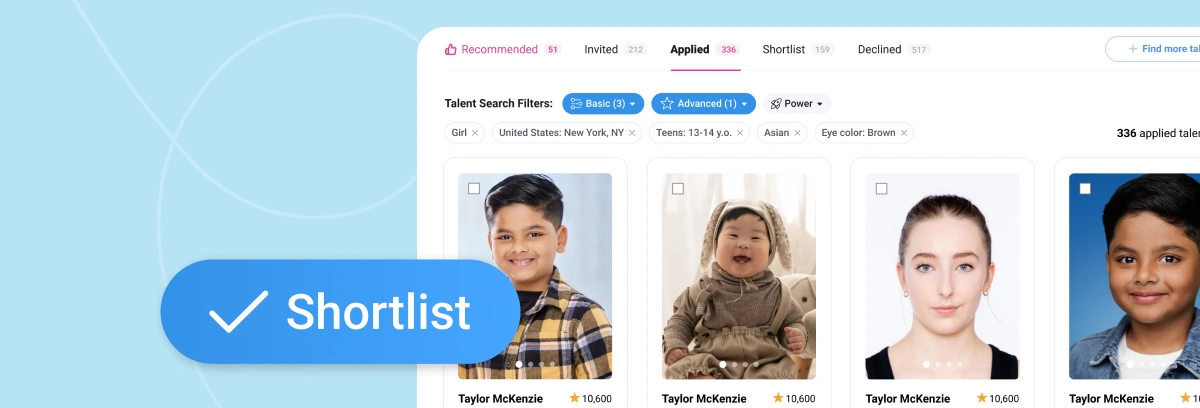
Organize Talent Faster with the Shortlist Feature
Reviewing dozens (or hundreds) of submissions can get overwhelming. That’s where the Talent Shortlist feature on KidsCasting makes a big difference.
It allows you to select your top candidates, organize them in one place, and download their profiles as a clean, shareable PDF.
How to Create and Download a Talent Shortlist
Follow these simple steps:
Step 1: Go to Submissions
Open your project and navigate to the Submissions section.
Step 2: Select Your Project
Choose the casting project you’re currently reviewing.
Step 3: Create a Shortlist
Browse through applicants and add the most relevant talent to your shortlist.
Step 4: Select Talent Profiles
Mark the candidates you want to include.
Step 5: Download Comp Cards
Click “Download PDF Comp Cards” at the top of the screen.
Why Use the Shortlist Feature
This feature helps you:
- Keep top candidates organized
- Compare talent side by side
- Share profiles with your team or clients
- Make faster, more informed casting decisions
Everything you need is in one place—no more switching between profiles.
Make Casting Decisions Easier
Instead of manually tracking candidates, the shortlist feature gives you a streamlined workflow.
You can quickly move from reviewing submissions to presenting final options—all within minutes.